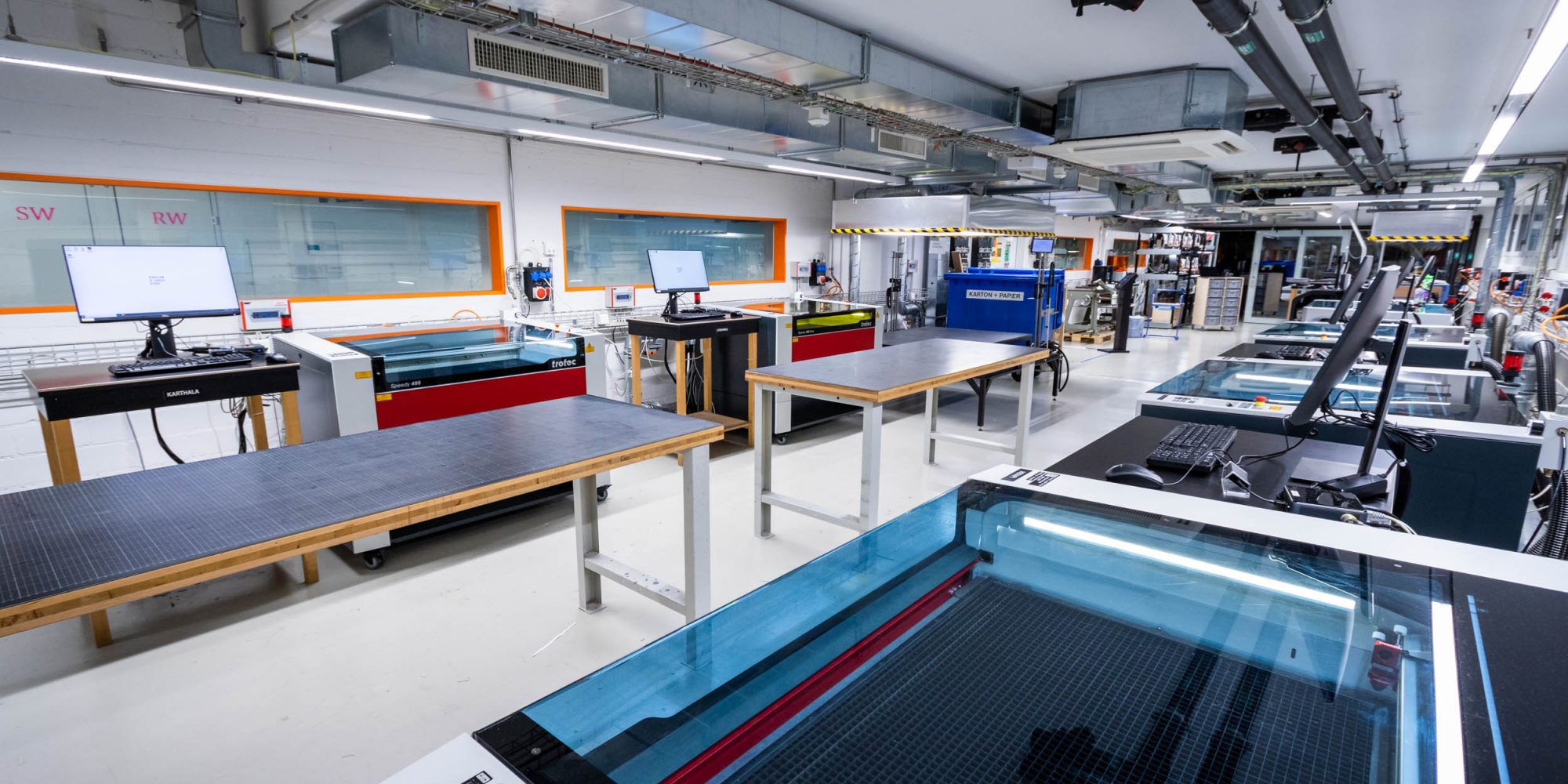
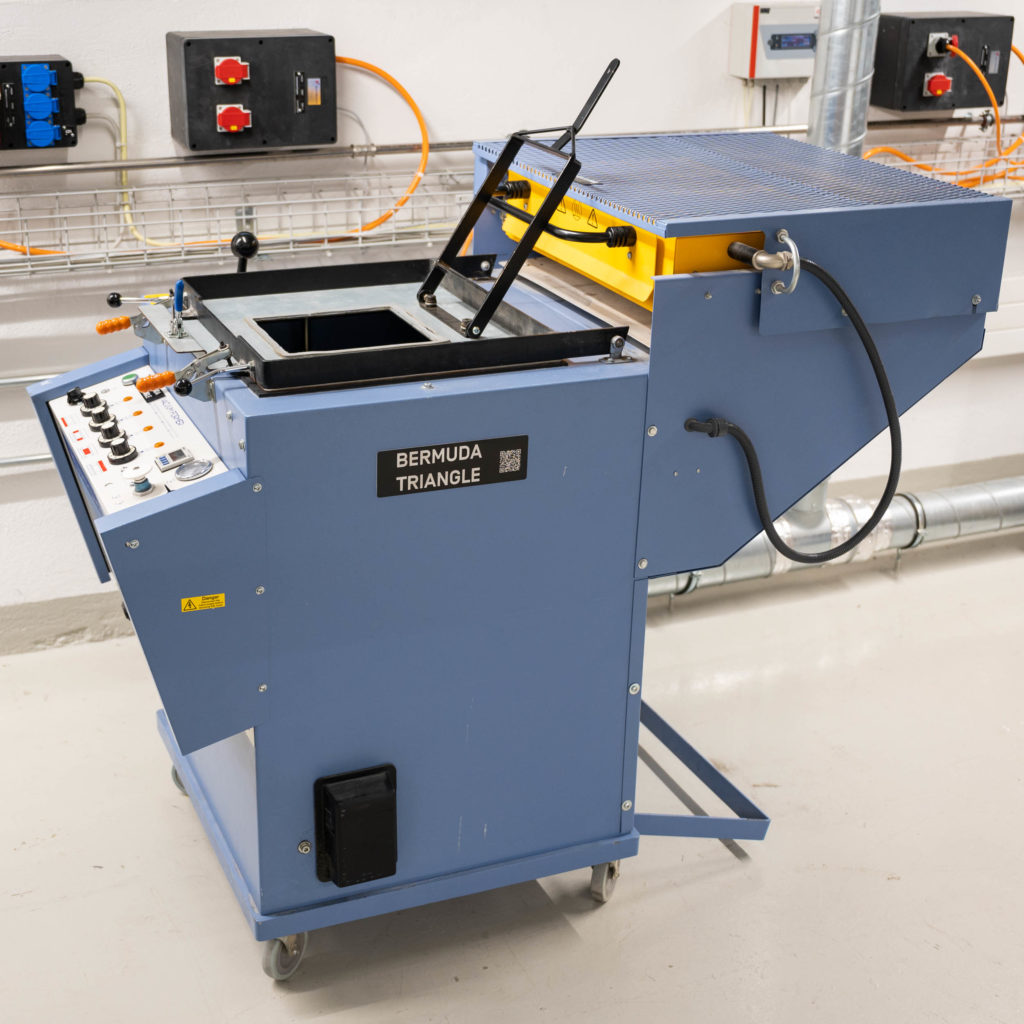
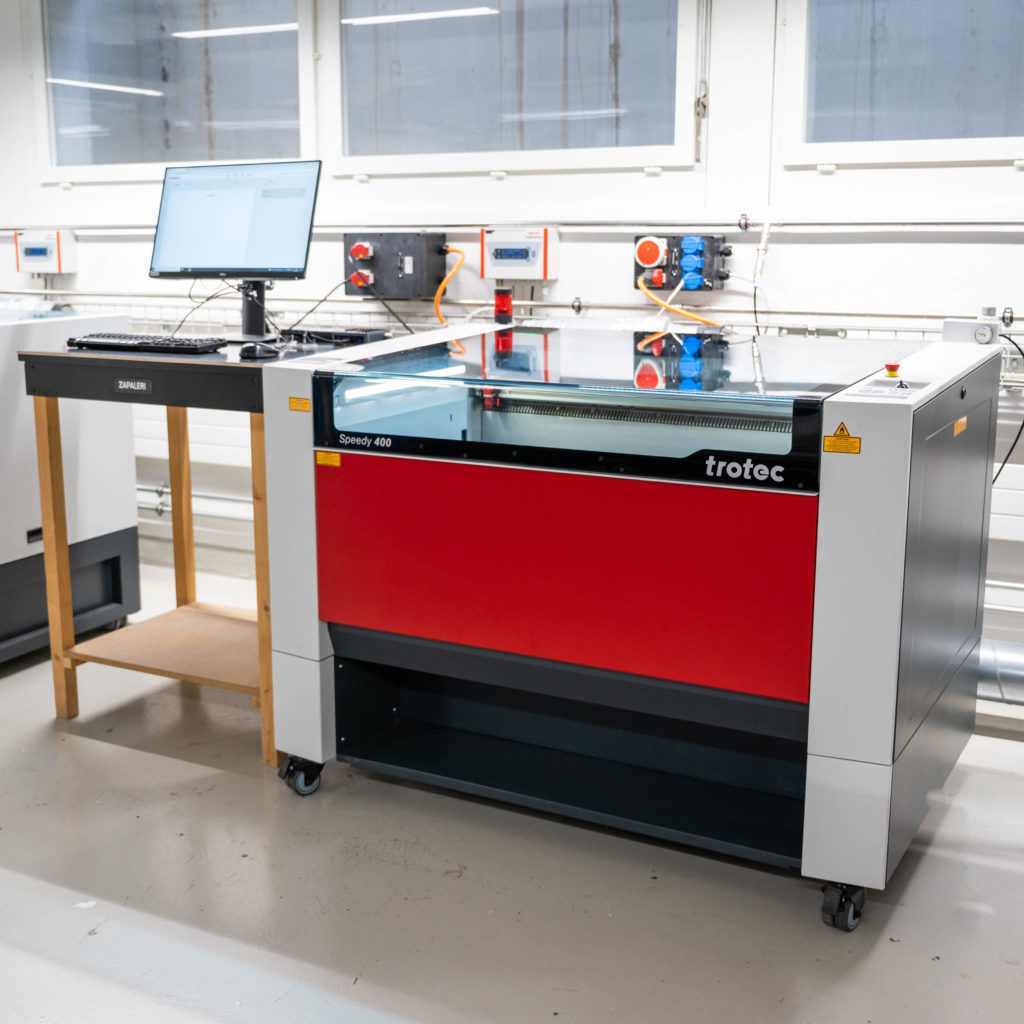
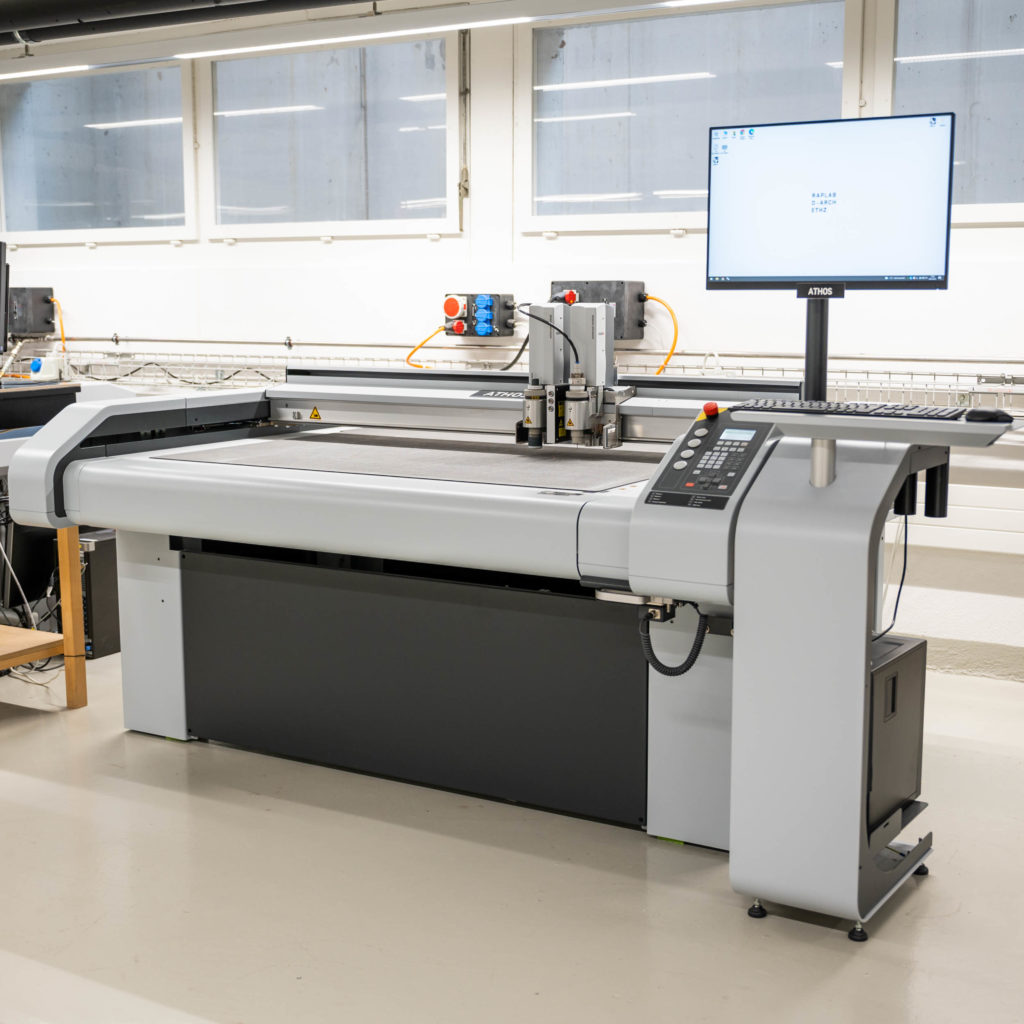
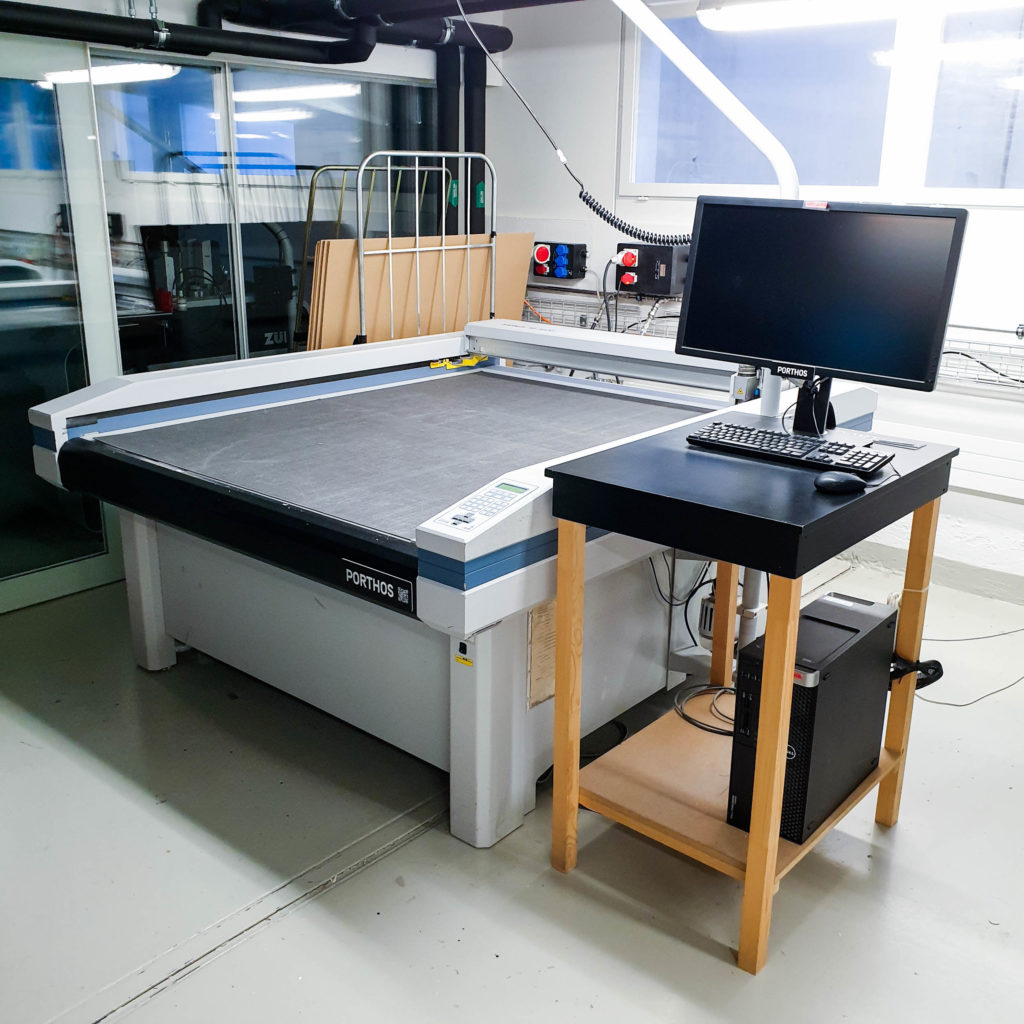
The Raplab digital workshop offers low-threshold access to laser cutters, cutting plotters, and 3D printers for model and prototype building — a fast way to turn a CAD drawing into a physical model and check proportions, spatial arrangements.
Access
Available to D-Arch staff and students, with the exception of bachelor students below 3rd semester
ETH members outside D-Arch: contact us before starting the enrollment process
By validating your ETH card to access the digital workshop, you confirm that you have read and agree to the rules and safety information on this page, and that you will review the relevant machine tutorial before using any machine for the first time
Digital Workshop Rules
Reservations aren’t possible — first-come, first-served
Come prepared: file in the correct format, material already purchased, relevant tutorial viewed beforehand
Don’t tie up a machine troubleshooting problems with your file
Help others when you see they need it
Only use materials stated in the machine tutorials
Stay logged in for the duration of your machine session — this keeps billing accurate and lets us track machine use
If all lasers are occupied: 1hr session limit, one machine per user
Leave the machines and workspace as you found it, and sort waste correctly
Be aware that the all digital workshop machines will automatically log out users when the workshop closes (18:00 during the semester).
Sharing the workshop
The DWS serves 1000+ students, so a few extra considerations keep it running smoothly for everyone — especially during the last two weeks of the semester, when queues can get very long.
If a queue has formed, let the next person know when you’re in cutting your final sheet so they can start preparing their file while it is cutting
Clean up and remove your material and offcuts promptly once you’re done
Be mindful of space around shared work surfaces and temporary storage spaces
For very long cutting jobs, consider whether the full cutting file is necessary to represent your project, or whether there’s another way to produce the parts
Machine Safety
Laser cutter:
Never leave a running laser unattended due to fire safety fire risk.
Only cut permitted materials; the wrong plastic can release toxic fumes.
Small flames below the material (e.g. on acrylic) are normal. If flames rise above the material, pause the job and monitor closely — if they don’t self-extinguish, press the emergency stop, evacuate others in the room, and alert a staff member immediately or call 888 from a phone in the corridor.
Zünd cutter:
keep hands clear of the blade path during operation.
Do not leave personal items other than material on the machine
Only use approved materials.
3D printer (Bambu A1):
The nozzle is hot during and shortly after printing — avoid touching.
Wait for the first layer to complete before leaving a print unattended, and don’t leave the workshop until you’ve confirmed the print has started successfully.
Invoicing & Pricing
Charged for logged-in time, rounded down to the last full minute, invoiced monthly to your ETH account. Check your balance [here].